
A payroll software demo can look impressive in the first ten minutes.
The dashboard looks clean. The presenter clicks through a few screens. Payroll gets processed in seconds. Payslips appear neatly. Reports look ready. Everyone on the call gets impressed with the flow and its features.
Then, after buying the software, the real questions begin.
Can it handle late attendance corrections? Can it calculate Professional Tax state-wise? Can it manage arrears, bonuses, reimbursements, and full and final settlements properly? Can finance get reports without asking HR every month? Can employees download payslips without calling payroll?
That is why companies need a proper payroll software demo checklist before making a decision.
A demo is not just a product walkthrough. It is the buyer’s chance to test whether the software can handle the company’s actual payroll problems.
Why Payroll Demo Calls Go Wrong
Most demo calls go wrong because buyers watch the software instead of testing it.
The vendor shows the best parts. HR sees clean screens. Finance sees a few reports. Leadership asks about pricing. But nobody checks the messy parts of payroll.
Indian payroll is not only salary calculation. It includes attendance, leave, tax declarations, PF, ESI, TDS, Professional Tax, LWF, reimbursements, arrears, loans, payslips, approvals, reports, and audit trails.
If these areas are not tested during the demo, the company may buy software that looks good but fails during payroll week.
A good demo should feel less like a presentation and more like a live evaluation.
Start With Your Own Payroll Reality
Before asking the vendor any questions, write down how payroll actually works in your company.
How many employees do you have? How many locations? Do you have remote employees? Do you process payroll for multiple entities? Do you have contract workers, trainees, or field employees? Do you use biometric attendance or manual attendance? How often do salary revisions happen? Who approves overtime? How is full and final settlement handled?
These details matter because payroll software should match your operating style.
A company with 50 employees in one city will not need the same controls as a company with 2,000 employees across five states. A manufacturing company may care more about shifts and overtime. A services company may care more about remote attendance, reimbursements, and project-wise cost reports.
Your payroll buying checklist should begin with your own payroll pain points.
HRMS Demo Questions You Should Ask
During the demo, do not ask only, “Can the software process payroll?”
That answer will always be yes.
Ask sharper HRMS demo questions that reveal how the system works when payroll inputs are not perfect.
Start with employee data.
Can the system store employee personal, job, bank, tax, and statutory details in one place? Can it track PAN, Aadhaar, UAN, ESIC number, location, department, cost center, joining date, and exit date? Can HR update employee records with approval? Is there an audit trail for changes?
Then move to attendance and leave.
Can attendance flow directly into payroll? Can managers approve attendance exceptions? Can leave without pay be calculated automatically? Can different locations follow different holiday calendars? Can the payroll team lock attendance after cut-off?
These questions matter because payroll errors usually begin before payroll is processed.
Check Statutory Compliance Properly
This is where Indian companies should slow down during the demo.
Ask the vendor to show how the software handles PF, ESI, TDS, Professional Tax, and Labour Welfare Fund. Do not accept only a verbal answer. Ask for screens, reports, and sample outputs.
Important questions include:
- Can the system calculate PF and ESI based on eligibility?
- Can it manage state-wise Professional Tax?
- Can it generate statutory reports?
- Can it support TDS calculations and tax declarations?
- Can employees choose tax regime options where applicable?
- Can HR review proof submissions?
- Can compliance reports be downloaded before filing?
- Can statutory details be corrected with proper approval?
For growing Indian companies, payroll compliance cannot depend on manual checks every month. The software should reduce risk, not add another layer of work.
Test the Payroll Run Like a Real Month
A proper software evaluation should include a sample payroll run.
Ask the vendor to process payroll using realistic cases, not only clean sample data.
Include one new joiner, one exit, one salary revision, one reimbursement, one unpaid leave case, one arrear, one bonus, one attendance correction, and one employee with tax declaration changes.
This will show whether the software can handle normal payroll complexity.
A good payroll system should not collapse when one employee joins mid-month or when another leaves before salary day. It should calculate paid days, deductions, arrears, taxes, and payslips clearly.
If the demo avoids such cases, that itself is a warning sign.
What Finance Should Check in the Demo
Payroll is not only an HR function. Finance should be part of the demo.
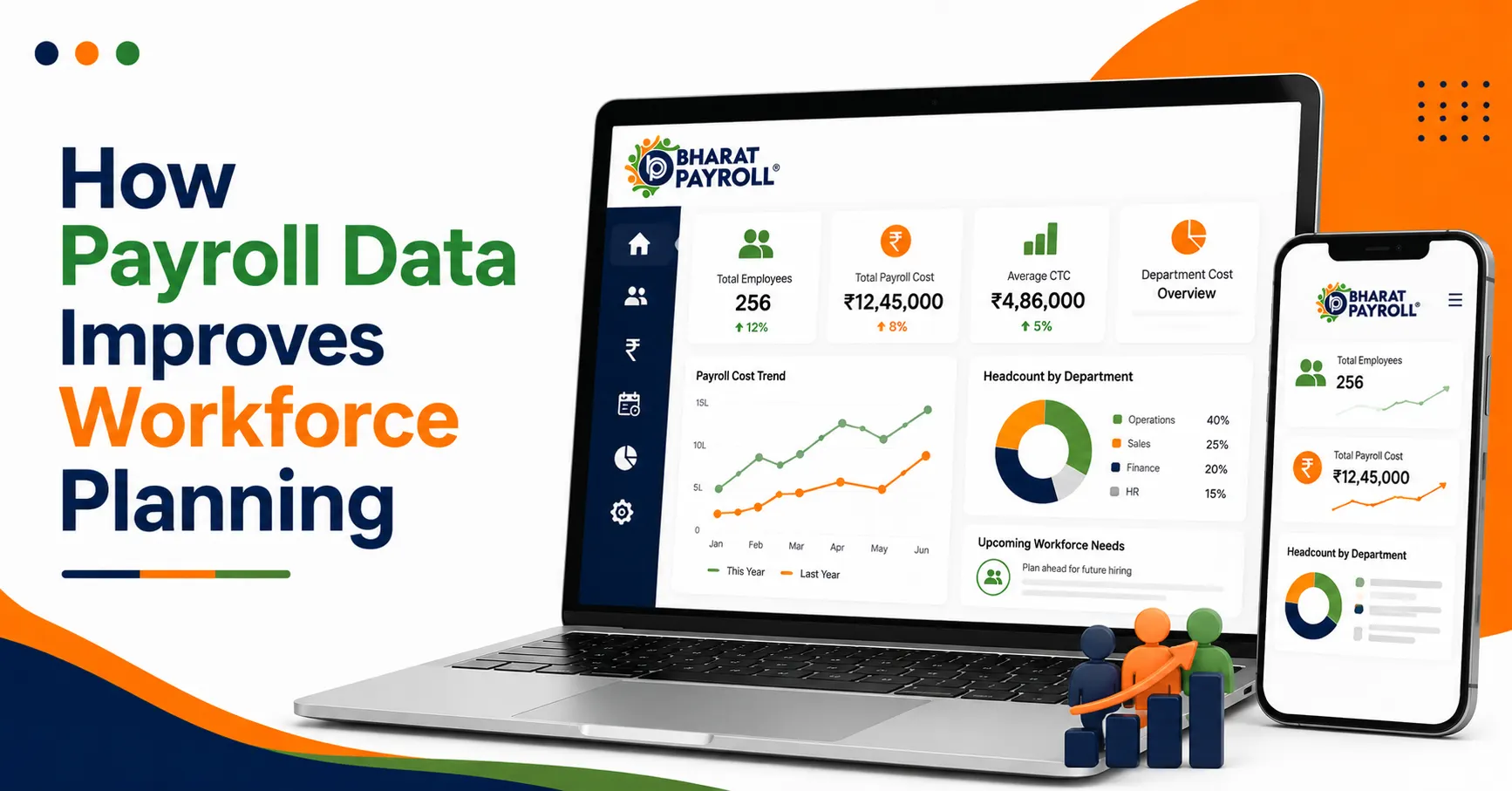
Finance teams need reports that match accounting, cash flow, provisions, and cost planning. They should check whether the software can provide salary registers, bank advice, department-wise cost, location-wise payroll, employer contribution reports, reimbursement reports, and payroll variance.
Useful finance questions include:
- Can the system show month-on-month payroll changes?
- Can payroll cost be viewed by department, branch, entity, or cost center?
- Can reports be exported in usable formats?
- Can finance review payroll before release?
- Can salary disbursement files be generated?
- Can the system separate employee deductions and employer liabilities?
If finance cannot trust the reports, HR will still end up preparing Excel sheets outside the software.
Employee Self-Service Matters More Than It Looks
Many companies focus only on payroll processing during the demo. But employee self-service can reduce a lot of daily HR work.
Ask whether employees can download payslips, view salary details, submit tax declarations, upload proofs, apply for leave, check attendance, and update basic details through a portal or mobile app.
This matters because HR teams lose time answering repeated employee questions.
“Can I get my payslip?”
“Why was my tax deducted?”
“How many leaves do I have?”
“Has my reimbursement been processed?”
If employees can access the right information themselves, payroll becomes smoother for everyone.
Ask About Controls, Not Just Features
Features are easy to show. Controls are harder.
A payroll system should clearly define who can create, edit, approve, process, review, and release payroll. It should not allow sensitive payroll changes without traceability.
Ask these questions:
- Who can change salary details?
- Can salary revisions require approval?
- Can payroll be locked after processing?
- Can changes be tracked by user and date?
- Can different roles have different access?
- Can managers see only their team data?
- Can finance review payroll but not edit employee records?
Payroll contains sensitive information. Role-based access and audit trails are not optional.
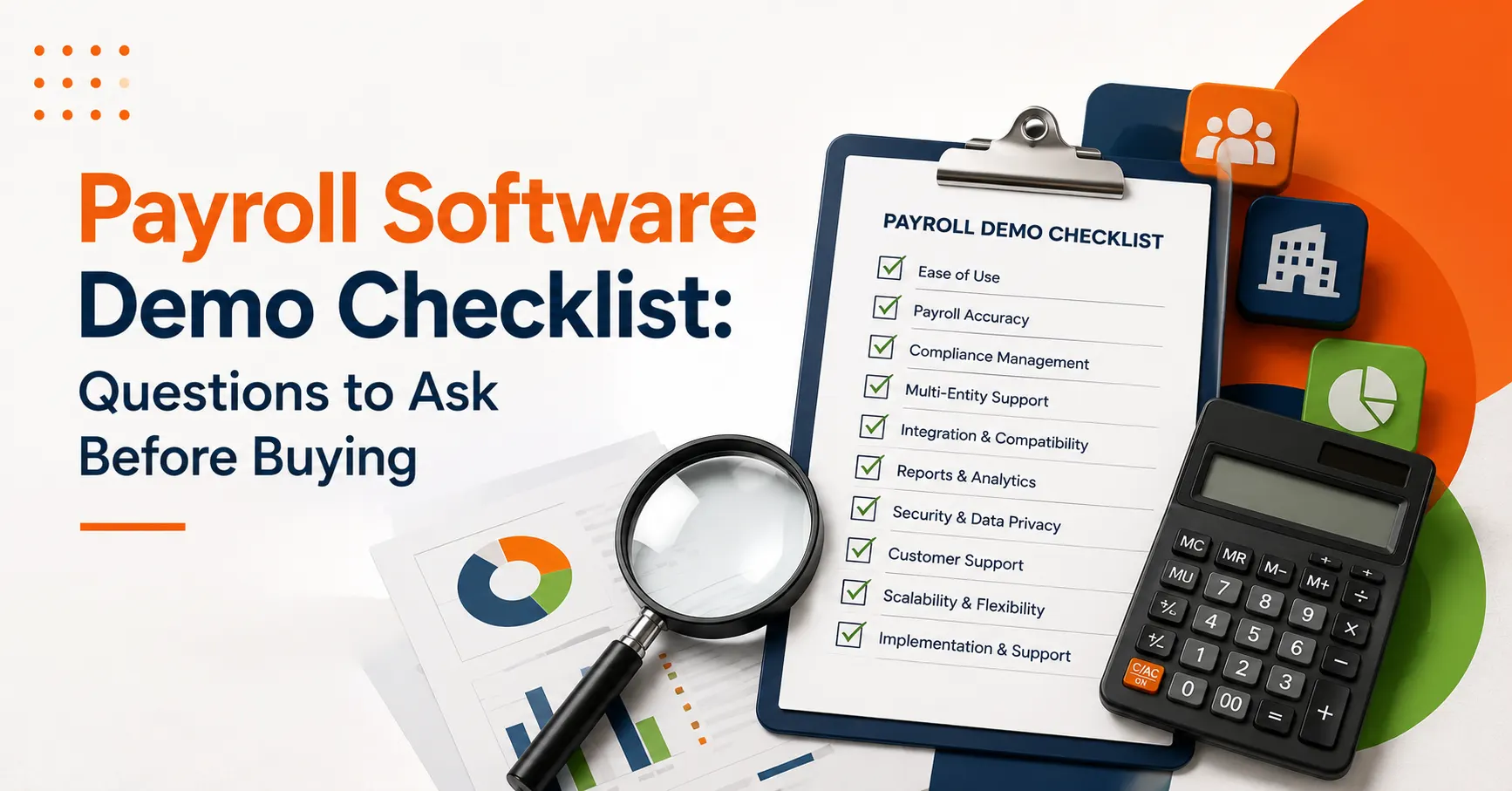
A Practical Payroll Software Demo Checklist
Use this checklist during the demo, not after it.
| Area to Check | Demo Question to Ask |
| Employee master | Can all employee, bank, tax, and statutory details be stored in one place? |
| Attendance | Can attendance, leave, LOP, overtime, and shifts flow into payroll? |
| Compliance | Does it handle PF, ESI, TDS, PT, and LWF reports? |
| Payroll run | Can it process new joiners, exits, arrears, bonuses, and reimbursements? |
| Reports | Can HR and finance get payroll, cost, and statutory reports easily? |
| Access control | Can roles and approvals be configured for HR, finance, and managers? |
| Employee self-service | Can employees access payslips, leave, tax, and salary information? |
| Support | What help is available during setup, migration, and payroll run? |
Do Not Ignore Implementation
Many payroll software decisions fail after purchase because implementation was not discussed properly.
Ask the vendor how data migration works. Who will upload employee records? How will old salary data be handled? Can previous payroll history be imported? How long will setup take? Who will train HR and finance teams? What support is available during the first salary cycle?
Also ask about future changes.
Can the system scale if you add more employees, branches, or entities? Can it support multi-location payroll? Can workflows change as the company grows?
Good payroll software should work for today’s team and tomorrow’s structure.
Where Bharat Payroll Fits In
Bharat Payroll is built for Indian payroll and HR needs. It brings payroll processing, attendance, compliance, employee records, reports, and HRMS workflows into one connected platform.
For companies evaluating payroll software, Bharat Payroll helps answer the practical questions that usually come up during the buying.
Can payroll be processed with fewer manual checks? Can statutory reports be managed more easily? Can employee records, attendance, leave, payslips, and approvals stay in one place? Can HR and finance work from the same payroll data?
That is the real value of a good payroll system.
It should not only process salaries. It should help the business run payroll with better control, clearer reports, and fewer last-minute corrections.
What CEOs, COOs, MDs, and Founders Should Check
For top management, payroll software is not only about salary processing. It should give clear visibility into payroll cost, compliance risk, workforce growth, and operational control.
During the demo, leadership should ask:
- Can the system show total payroll cost by location, department, entity, and business unit?
- Can we track monthly payroll variance without depending on Excel?
- Can it support future growth across branches, entities, and employee types?
- Does it reduce compliance risk for PF, ESI, TDS, PT, and LWF?
- Can management view payroll dashboards without accessing sensitive employee-level data?
- How much manual HR and finance effort will this software reduce?
- What reports will help us make faster workforce and cost decisions?
The right payroll software should not just process salaries. It should improve control, reduce dependency on manual follow-ups, and give leadership a reliable view of people cost and compliance.
Final Thoughts
A payroll demo should not be treated like a quick software tour.
It should be a serious buying conversation.
The right payroll software demo checklist helps HR, finance, and leadership ask better questions before they commit. It helps the company check compliance, controls, reporting, employee self-service, implementation, and long-term scalability.
The best payroll software is not the one with the flashiest dashboard. It is the one that can handle your real payroll month without creating confusion.
Before buying, ask the right questions. Test real cases. Involve finance. Check compliance. Review support. Look beyond the demo screen.
That is how a company makes a smarter payroll software decision.
Choose Payroll Software with Confidence
See how Bharat Payroll simplifies payroll, compliance, attendance, and HRMS workflows before you make your decision.
FAQs
1. What is a payroll software demo checklist?
A payroll software demo checklist is a list of questions and checks used to evaluate payroll software before buying.
2. What HRMS demo questions should HR ask?
HR should ask about employee records, attendance, leave, payroll processing, compliance, approvals, reports, and employee self-service.
3. What should be included in a payroll buying checklist?
A payroll buying checklist should include compliance, payroll accuracy, reports, integrations, access control, support, pricing, and implementation.
4. Why is software evaluation important before buying payroll software?
Software evaluation helps companies check whether the payroll system can handle real salary processing, statutory compliance, and reporting needs.
5. How can Bharat Payroll help during payroll software evaluation?
Bharat Payroll helps businesses evaluate payroll, HRMS, attendance, compliance, reports, and employee self-service in one India-focused platform.