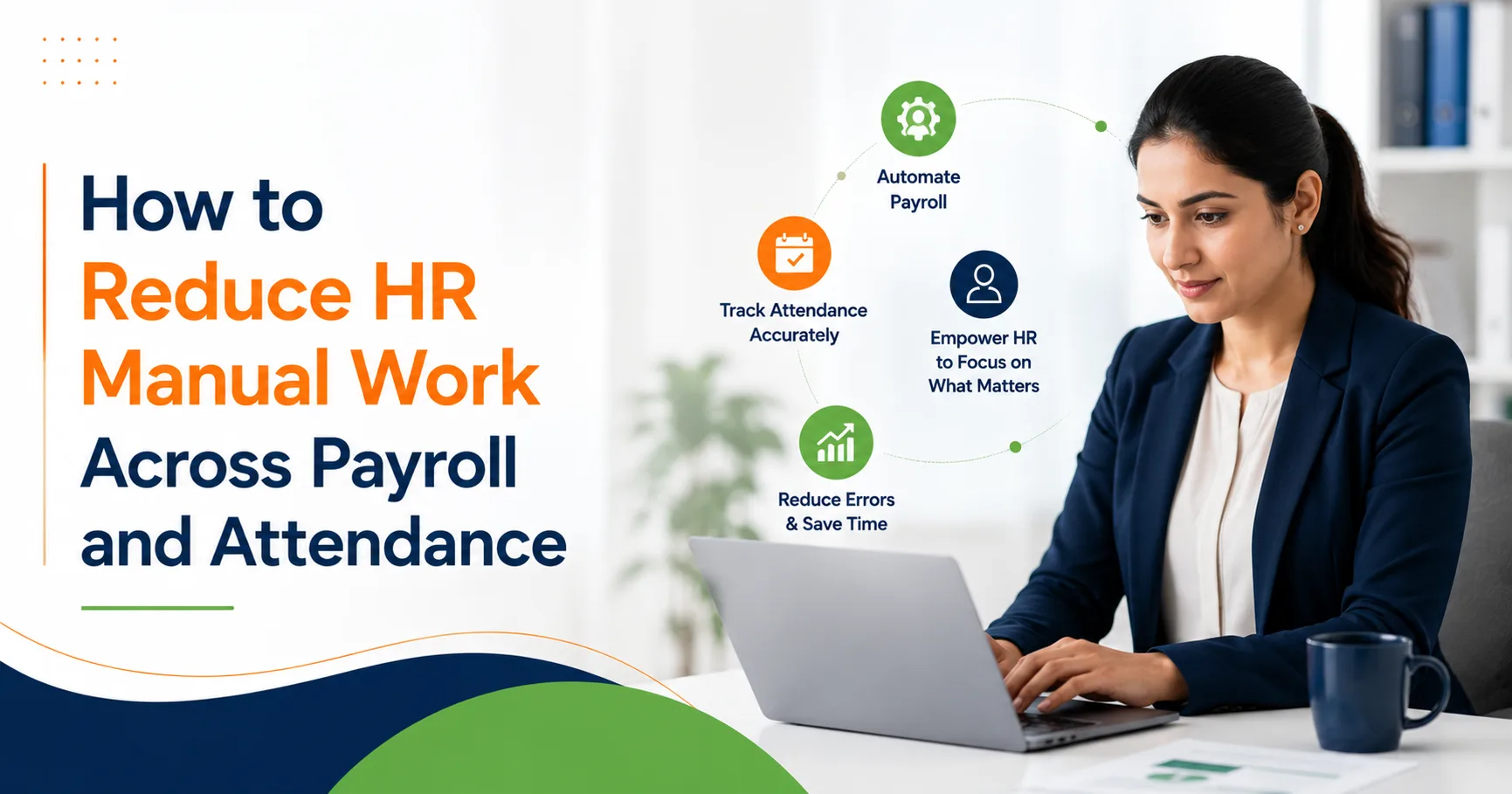
Most payroll problems begin when HR teams shift their focus to missing punches, unapproved leaves, overtime changes, shift corrections, salary inputs, reimbursement updates, and manager approvals.
And all these manual follow-ups quietly drain HR productivity
In many companies, HR teams spend hours sending reminders, checking spreadsheets, calling managers, confirming attendance records, and correcting for last-minute payroll gaps. All this looks simple to begin with, while addressing the issues one-on-one. But by the end of the month, it all adds up and creates stress, delays, errors, and employee dissatisfaction.
Hence, organisations want to reduce HR manual work on routine tasks. But it takes more than just a reminder to get payroll and attendance flowing smoothly. Companies need connected attendance, leave, and payroll approval workflows all set up in one go.
That’s where HR automation comes in – it reduces payroll follow-ups, keeps attendance workflows running smoothly, and allows HR to close payroll faster with fewer manual corrections.
Why Manual Follow-Ups Cause Payroll & Attendance Issues
Manual follow-ups become a problem because payroll relies on accurate attendance data
If attendance is incomplete, then payroll becomes uncertain. If payroll inputs are delayed, then salary processing becomes really stressful. And if managers approve changes late, then HR has to go over the same records all over again
Common manual follow-ups include:
- Asking employees to sort out any missing punches
- Reminding managers to approve attendance corrections
- Double-checking leave balances before payroll cutoff
- Following up on overtime approvals
- Confirming late salary changes
- Making sure loss of pay days are verified
- Collecting reimbursement or arrears details
- Calling department heads for any pending approvals
- Updating spreadsheets after every correction
These tasks don’t require deep HR expertise, but they consume time that HR teams could be spending on employee experience compliance readiness, workforce planning, and payroll accuracy
What Causes The Pesky Payroll Follow-Ups?
Payroll follow-ups usually occur because the data is scattered
Attendance might be in a biometric system, leave requests in emails, overtime tracked in spreadsheets, and salary changes coming from finance or management
When every input is coming from a different place, HR ends up being the go-between
The most common causes are:
| Manual Follow-Up Issue | What Usually Causes It | Payroll Impact |
| Missing punch correction | Employees forget to regularize attendance | Wrong paid days or LOP |
| Pending leave approval | Managers delay leave confirmation | Incorrect leave balance |
| Overtime mismatch | Overtime not linked with shifts | Overpayment or underpayment |
| Late salary change | Salary revision shared after cutoff | Payroll rework |
| Attendance mismatch | Shift, holiday, and punch data not connected | Wrong salary calculation |
| Approval delay | No automated reminder or escalation | Payroll processing delay |
When these gaps repeat every month, HR teams don’t just lose time; they lose control over payroll confidence
How Can HR Teams Reduce Manual Work and Save Time?
HR teams can save time by automating the movement of payroll and attendance data from submission to approval to salary processing.
The goal of automated payroll is to reduce HR manual work. i.e., HR shouldn’t have to chase every correction manually.
A better process could allow employees to submit corrections, managers to approve them, HR to track pending actions, and payroll to use verified data from one connected system
It requires three major changes to make this happen:
- Get attendance and payroll inputs digitally
- Automate reminders and approval workflows
- Connect attendance leave and payroll before salary processing
When these steps work together, HR automation reduces repetitive follow-ups and creates a much smoother payroll cycle
1. Automate Attendance Regularization – The Missing Punch Problem
Missing punches are one of the biggest time consumers for HR teams
Employees may forget to punch in or out, work from another location, attend field visits, or have biometric issues. Without automation, HR has to go through each mismatch and ask employees for corrections
An automated attendance workflow can help by:
- Automatically detecting missing punches
- Notifying employees to regularize attendance
- Sending requests to the right manager
- Tracking pending approvals
- Updating records after approval
- Marking unresolved gaps before payroll cutoff
This reduces HR’s reliance on manual reminders. Employees know what needs fixing, and managers know what needs approving.
2. Set Payroll Cutoff Alerts – The Delays Caused by Late Inputs
Payroll can get delayed because inputs arrive too late
Salary revisions, reimbursements, overtime arrears deductions, and attendance corrections shouldn’t reach HR after payroll processing starts. A payroll cutoff process helps prevent this from happening.
HR automation can send cutoff alerts to employees, managers, finance, and department heads before payroll is locked for the month.
For example:
- Employees get reminded to submit attendance corrections
- Managers get alerted for any pending approvals* Finance gets alerted to update any deductions or reimbursements that need attention.
- HR gets a dashboard showing all unresolved payroll inputs that need sorting out.
This creates a system of accountability before salary processing, not after all the errors have begun to show themselves.
3. Sync Leave Data With Attendance
Leave and attendance have to work together.
If an employee is on approved leave but their attendance record says they were absent, payroll may not handle it correctly. If a leave request is still pending approval, HR often has to go in and manually sort it out before the paid days can be calculated.
An HRMS that’s all connected helps out by syncing up the leave status with the attendance records.
This lets the HR team see:
- What days are they approved for leave
- What days are still pending leave approval
- What days are they not getting paid for
- What holidays are coming up
- Which days off are scheduled
- Who’s working shifts and when
- Any comp-off adjustments
When leave and attendance are connected, the payroll follow-ups are much reduced because the system already knows how each day should be treated.
4. Use Approval Workflows That Keep Managers on Track
Loads of HR follow-ups happen because managers don’t get their approvals in on time.
HR teams shouldn’t have to be constantly chasing down managers to remember to approve leave, attendance, or overtime requests. A structured approval workflow can take care of that.
A good approval workflow should include:
- A clear line of who approves what
- Automatic reminders so people don’t forget
- Escalation procedures for when things get stuck
- A way to track who’s done what
- Mobile access so managers can approve things when they’re on the go
- Transparency around when the payroll cutoff is
With approval workflows, managers can get their act together more quickly, while HR has a clear view of actionable steps.
Ultimately, this results in fewer phone calls, fewer emails, and fewer last-minute corrections.
5. Give Employees Access to See Their Own Payroll Details
Employees often call HR up with basic questions about their payroll and attendance.
They might ask stuff like:
- How many leaves have I got left?
- Why did attendance say I was absent?
- Did overtime get added?
- Is my leave request approved?
- Did my salary get updated?
- How many paid days are we talking about?
When employees don’t have visibility on this stuff, HR is basically the helpdesk for every little query.
Employee self-service is a game-changer here. Employees can go in and see their own attendance history, leave balance, pay slips, tax details, any corrections that were made, and what approvals are pending without having to bug HR all the time.
This improves transparency and makes life a lot easier for HR.
6. Focus on the Exceptions in Payroll Review
HR teams shouldn’t be manually checking every single employee record every month.
Instead, they should be focusing on the exceptions – the ones that stand out as needing attention.
An automated payroll system can help by flagging up unusual records like:
- Some kind of unexpected salary change
- A missing punch right before the payroll cutoff
- An unapproved leave request
- A duplicate reimbursement
- An overtime mismatch
- A late attendance correction
- A negative leave balance
- An unusual deduction
- Something that’s pending manager approval
This way, HR teams can just focus on the records that need sorting out – and not have to waste time on ones that are all good to go.
Exception-based review makes payroll faster, cleaner, and a whole lot easier to manage.
7. Ditch the Spreadsheets and Go for HR Automation
Spreadsheets are fine for simple tracking, but when things start getting complex with payroll and attendance, they just start to cause problems.
Manual spreadsheets can lead to:
- Version control hell
- Duplicates everywhere
- Missed updates
- Wrong formulas
- Delays in getting approvals
- Poor audit trails
- Out-of-date data in both HR and finance
HR automation solves all these issues by keeping attendance, leave, approvals, salary inputs, and payroll records all in one connected system.
This gives HR teams a single reliable source of truth, rather than multiple disconnected files.
A Practical Workflow to Cut Down on Payroll Follow-Ups
Here’s a simple workflow that HR teams can use to cut down on all the back and forth:
- The attendance system grabs the punch data every day.
- The system flags up any missing punches and attendance gaps.
- Employees get automatic reminders to correct any errors.
- Managers approve or reject requests before the cutoff.
- Leave, overtime, and shift data all sync up with attendance.
- The payroll system flags up any exceptions before it processes.
- HR reviews only the pending or unusual records.
- Payroll gets processed using verified attendance data.
- Employees can go in and see their own pay slips and payroll details through self-service.
This way, every step of the way has visibility, ownership, and automation – so there’s a lot less follow-up work to be done.
How HR Automation Improves Payroll Accuracy
HR automation improves payroll accuracy by getting rid of all the manual guessing and scattered records.
When the system connects up the attendance workflow with payroll, HR teams can process salaries with way cleaner data.
The benefits include:
- Fewer errors in salary calculations
- Faster payroll closure
- Better attendance accuracy
- Reduced payroll follow-ups
- Clearer accountability for managers
- Improved employee trust
- Stronger audit readiness
- Less stress for HR teams
Payroll accuracy isn’t just a finance issue – it affects the whole employee experience.
Employees expect salaries to be right, on time, and easy to understand. When HR teams get the manual gaps sorted out before payroll, employees face a lot fewer salary surprises.
How Bharat Payroll Helps Reduce HR Manual Work
Bharat Payroll helps HR teams cut down on tedious work by linking attendance, leave, payroll, approvals, and employee records all in one go through our HRMS platform.
Rather than running around chasing after employees and managers every month, HR teams can actually manage attendance regularisation, payroll inputs, salary processing, leave updates, and approval workflows with much clearer visibility.
Bharat Payroll makes life easier for HR teams by helping them do :
- Keeping all your attendance and leave data in one place
- Reducing the need for repeated annoying payroll reminders
- Getting payroll processing more accurate
- Handling employee records much more efficiently
- Simplifying approval workflows
- Cutting down on the need for manual spreadsheets
- Giving employees easier access to their own self-service
For growing teams, this makes the payroll cycle run much smoother and frees up HR to focus on people rather than getting bogged down in repetitive follow-ups.
Simplify Payroll & Attendance with HR Automation
Eliminate manual follow-ups, reduce payroll errors, and streamline attendance workflows with a connected HRMS built for growing teams.
Frequently Asked Questions
1. How do companies stop HR from getting bogged down in payroll?
Companies can cut down on HR manual work by using HR automation to tie attendance, leave, payroll inputs, approvals, and employee self-service all together. This knocks out repeated follow-ups and lets HR do payroll with more confidence in the data.
2. Why do companies have to do payroll follow-ups every month?
Payroll follow-ups happen when attendance corrections, leave approvals, overtime updates, reimbursements, and salary changes are delayed or done manually. When data is all over the place, HR has to chase every missing input before payroll processing can even start.
3. How does automating attendance workflows help HR teams?
Automating attendance workflows flags up missing punches, sends out correction reminders, sends approvals to managers, and updates attendance records before payroll is processed. This all helps reduce the manual checking and makes payroll more accurate.
4. Can HR automation reduce the number of salary errors?
Yes. HR automation can actually make salary errors way less common by linking attendance, leave, overtime, deductions, and approvals before payroll processing even starts. This means HR can catch exceptions early on and avoid those last-minute corrections.
5. How does Bharat Payroll reduce payroll follow-ups?
Bharat Payroll reduces payroll follow-ups by linking attendance, leave, payroll, employee self-service, and approvals all in one HRMS. HR teams can track pending actions, cut back on manual reminders, and process salaries with cleaner data.